tedEMS - Entertainments Management System
Sensatori and Holiday Village Resort Staff User Guide - V2.1
What is tedEMS?
tedEMS is the new artiste and entertainment reporting and management system for Sensatori and Holiday Village resorts.
It replaces the previous tedBase system and now includes an online schedule for all resort staff.
Where do I find tedEMS?
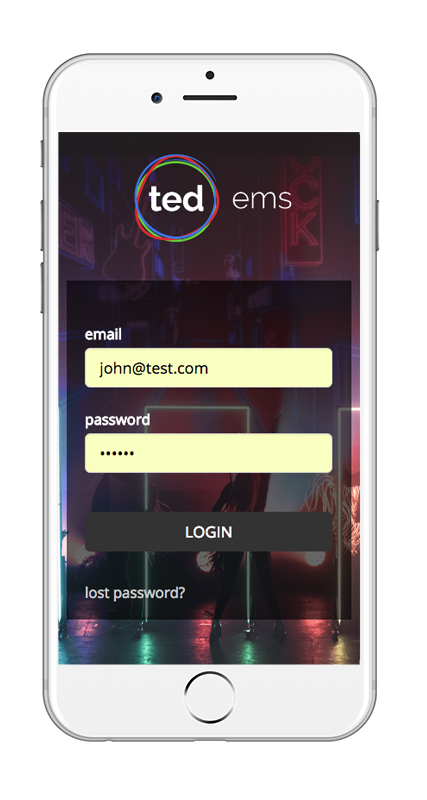
Using your mobile device navigate to https://www.tedems.com
Use your login email address and password that has been given to you.
If you have forgotten your password then the 'forgot password' button will email your current password.
If you still have problems logging on then contact your resort entertainment manager.
Viewing your Schedule
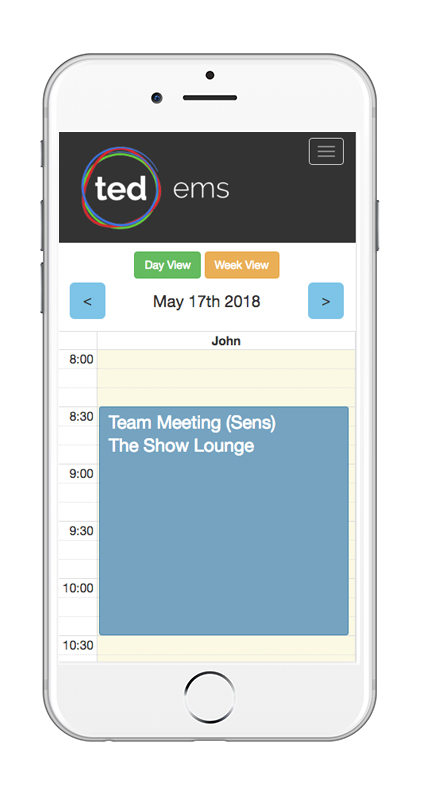
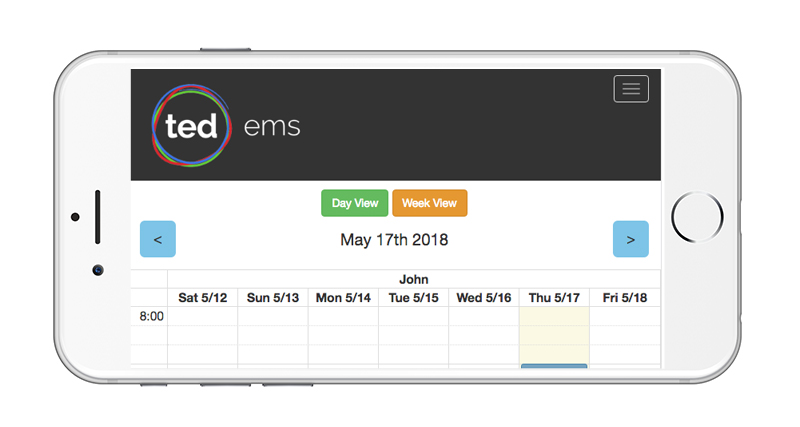
Once logged in you will see your current daily schedule and by using the arrow buttons move forward or back a day. Selecting 'Week View' will display the whole week's schedule (is best viewed in landscape for the weekly view)
Viewing an Event
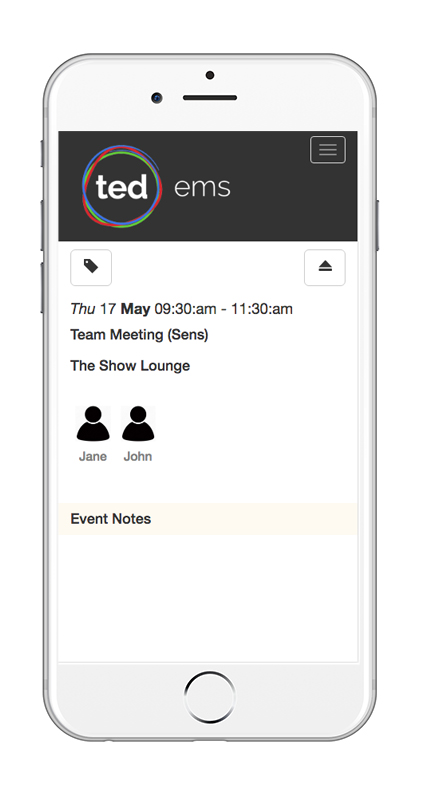
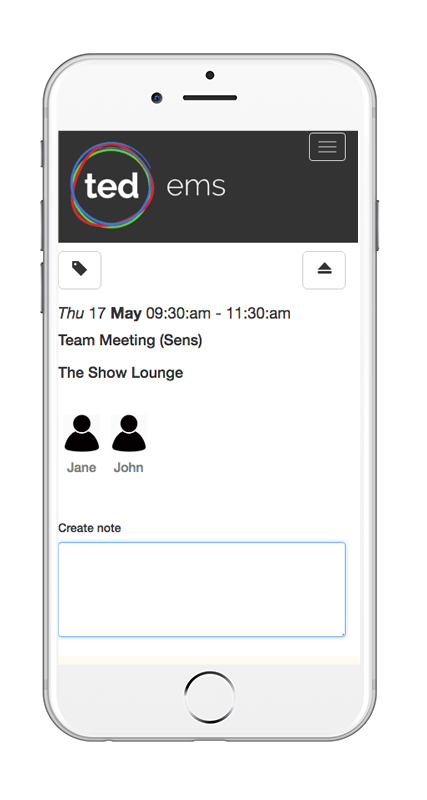
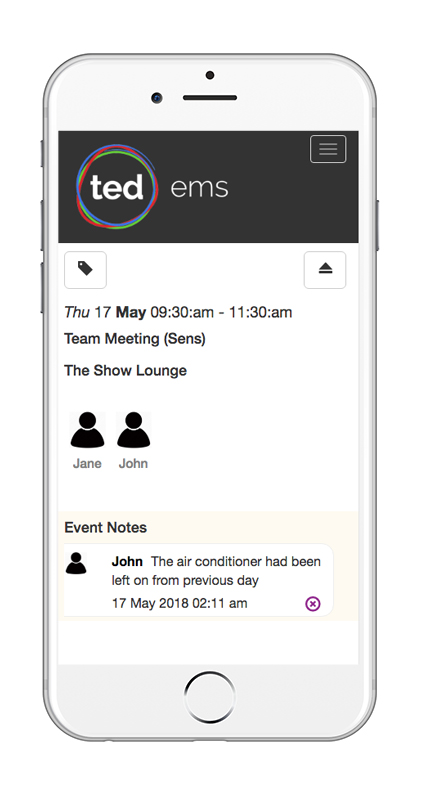
To see the details of an event, view or add an event note or see who else is assigned to an event - then click the event in the schedule
Event notes are seen by all other resort staff and your entertainment manager and provide a easy way to communicate any specfic issues good or bad. To add an event note click the icon.
Your Profile
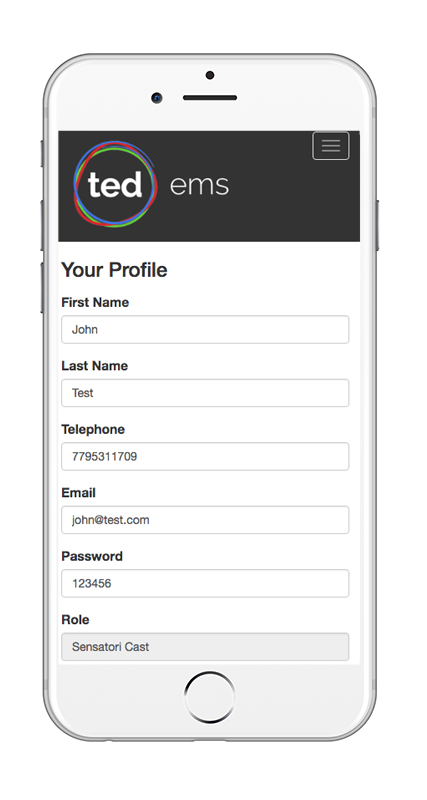
Here you can change your password, contact details and profile image
To upload an image click the icon and if necessary use the icon to rotate the image

Getting help
If you need help with using the system then first contact your resort entertainment manager. If you need further assistance or need to report a fault you have seen - email rod.balgarnie@tedgroup.com